Smart TVs, security cameras, and fitness trackers are now part of our daily lives. They make things easier and more convenient. But because these devices connect to the internet, they can also be targets for hackers. Many people have already faced issues where strangers accessed their smart TV cameras or home security systems.
This is why learning the basics of IoT security is important for everyone, not just tech experts. The Internet of Things (IoT) includes everyday devices like smart TVs, wearables, and security cameras that use the internet to work. When these devices are not protected, hackers can get in. Keeping them safe is not difficult,it’s like locking your house before going out. If you protect your home, you should also protect your smart devices.
What Is IoT and Why Does It Matter?
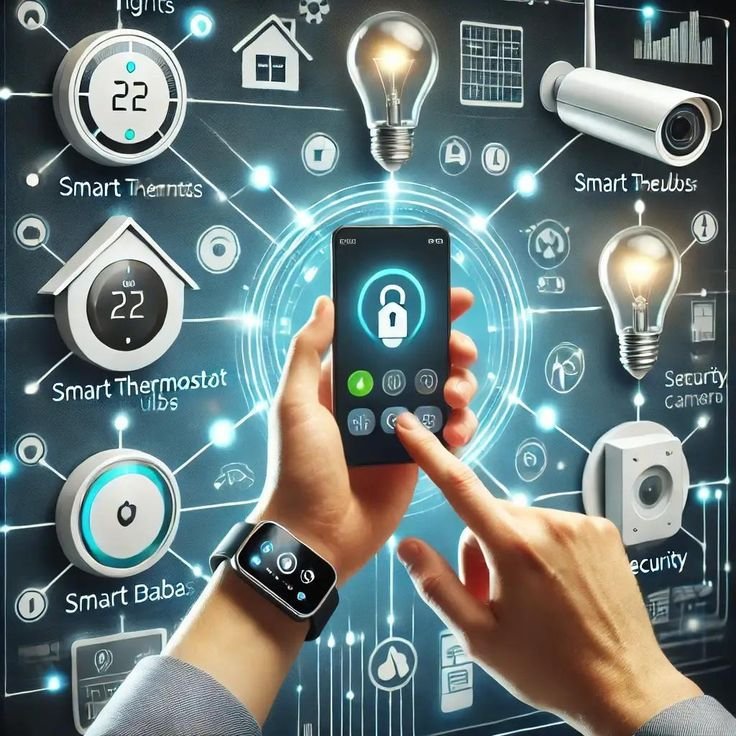
The Internet of Things is just a fancy name for everyday things that connect to the internet. Your smartwatch, voice assistant, wireless doorbell, and smart fridge are all part of IoT.
IoT security matters because these devices collect your personal information. Your smart TV knows what you watch. Your fitness tracker knows your daily schedule and health information. Your camera records your private life. If someone hacks these devices, they steal your information and invade your privacy.
Many companies rush to sell products without making them secure. In 2025, there are over 30 billion IoT devices in the world, and many have weak security.
The Real Dangers: What Can Happen?
IoT attacks happen to regular people all the time. Hackers can take over baby monitors and cameras to watch families. In one case, someone took control of a smart home and started playing music and changing the temperature.
Smart devices store important information like where you are, your daily routine, credit card details, and health information. Hackers can also put bad software on your devices and use them to attack other computers. In 2016, a big attack called Mirai used hundreds of thousands of IoT devices to shut down major websites.
Even without hackers, many devices collect too much information and share it with other companies. Your smart speaker might be recording more than you think.
Smart TV Security: Keeping Your Living Room Safe
Your smart TV is like a big computer with cameras and microphones that hackers can use.
Change the default password right away. Most TVs come with passwords like “admin” or “12345.” Make a strong password with letters, numbers, and symbols.
Cover the camera when you’re not using it. Simple tape stops anyone from watching you, many people do this with their laptop cameras too.
Turn off features you don’t use. If you never use the microphone, turn it off. Every feature you turn off makes your TV safer.
Keep your TV updated. Turn on automatic updates or check for updates every month. Updates protect your TV from new dangers.
Only download apps from official stores and read reviews first. Check your privacy settings to stop your TV from collecting too much information.
Keeping Your Security Cameras Safe
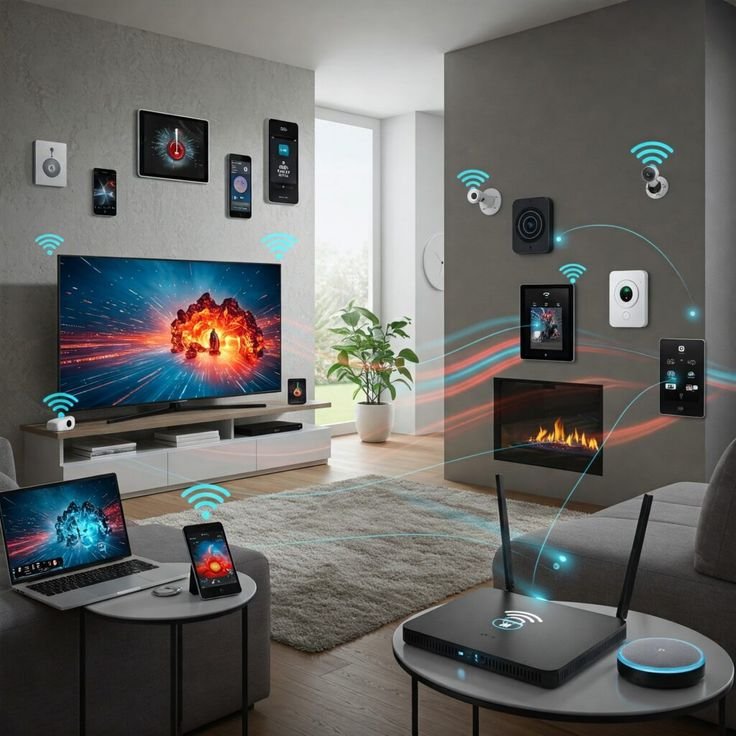
It’s strange when the cameras meant to protect your home become unsafe, but this happens often.
Put cameras in smart places, not in bedrooms or bathrooms. Use strong, different passwords for each camera, never use the same password twice. Set up two-factor authentication for extra safety.
Create a separate network for your cameras using your router’s guest network. This keeps hacked cameras away from your computers and phones.
Check who can see your cameras regularly and remove people who don’t need access anymore.Disable remote access if it’s not needed.Watch for strange activity in your login history.
Protecting Your Wearables: Keeping Your Watch Safe
Fitness trackers and smartwatches know very personal things about you: your heart rate, sleep, location, exercise, and health.
Know what information you’re sharing by reading the privacy rules. Lock your device with a PIN. Be careful about what you let apps do, only give them what they really need.
Turn off features you don’t use like NFC, GPS, and Bluetooth. Only get apps from official stores. When you get a new device, reset your old one completely and disconnect it from your accounts before you give it away.
Wi-Fi Router: The Base of IoT Security
Your router connects all your smart devices to the internet. If your router isn’t safe, nothing connected to it is safe.
Change the default username and password right away. Update your router regularly or turn on automatic updates. Use WPA3 security, or at least WPA2.
Make a strong Wi-Fi password with at least 12 letters and numbers. Hide your network name. Turn off WPS, it makes things easy but also unsafe.
New Trends in IoT Security
Smart security that uses AI to find unusual behavior will be normal by 2026. New laws are making companies build security into devices from the start.
New types of security are being made for future computer threats. New systems reduce the risk of big data leaks. Security labels will help people choose safe products. New ways to prove who you are will go beyond fingerprints to include things like your heartbeat pattern.
What to Do If You Get Hacked
Don’t worry. Unplug the device right away. Change all passwords for that device and any accounts connected to it.
Check for strange purchases. Reset the device to factory settings, then update it before connecting again. Look at your account activity records.
Tell the company that made the device and report serious problems to the police.
Buying New IoT Devices: Shop Smart
Read reviews about security before buying. Choose well-known brands that give regular updates.
Check how long the company will give security updates, look for three to five years. Read the privacy rules to understand what information they collect and share.
Look for devices that keep your data on the device instead of sending it to the internet. Look for security badges. Don’t buy devices with extra features you don’t need, more features mean more ways to get hacked.
The Future of IoT Security
New systems will find attacks and fix problems automatically. Common security rules are being made for all IoT devices.
New technology could make device-to-device talking very safe. New systems will check every connection. Automatic security checks will look for problems like a security guard for your home.

Your IoT Security Checklist
Keeping smart devices safe doesn’t need technical skills, just knowledge and simple habits.
Start with basics: change default passwords, turn on two-factor authentication, and update everything regularly. These three things stop most IoT attacks.
Think before connecting devices. Stay informed by reading security news. Balance easy-to-use features with safety.
Your privacy is important. Your devices know personal things about your life,protect that information.
Don’t feel overwhelmed. Start with one or two changes, make them habits, then add more safety steps slowly. Focus on improvement, not perfection.
The IoT revolution really does make our lives better. With these IoT Security Basics, you can enjoy your smart devices without worry, knowing you’ve protected your digital life.
Stay safe, stay smart, and enjoy your connected home!
